Wednesday, 1 April 2015

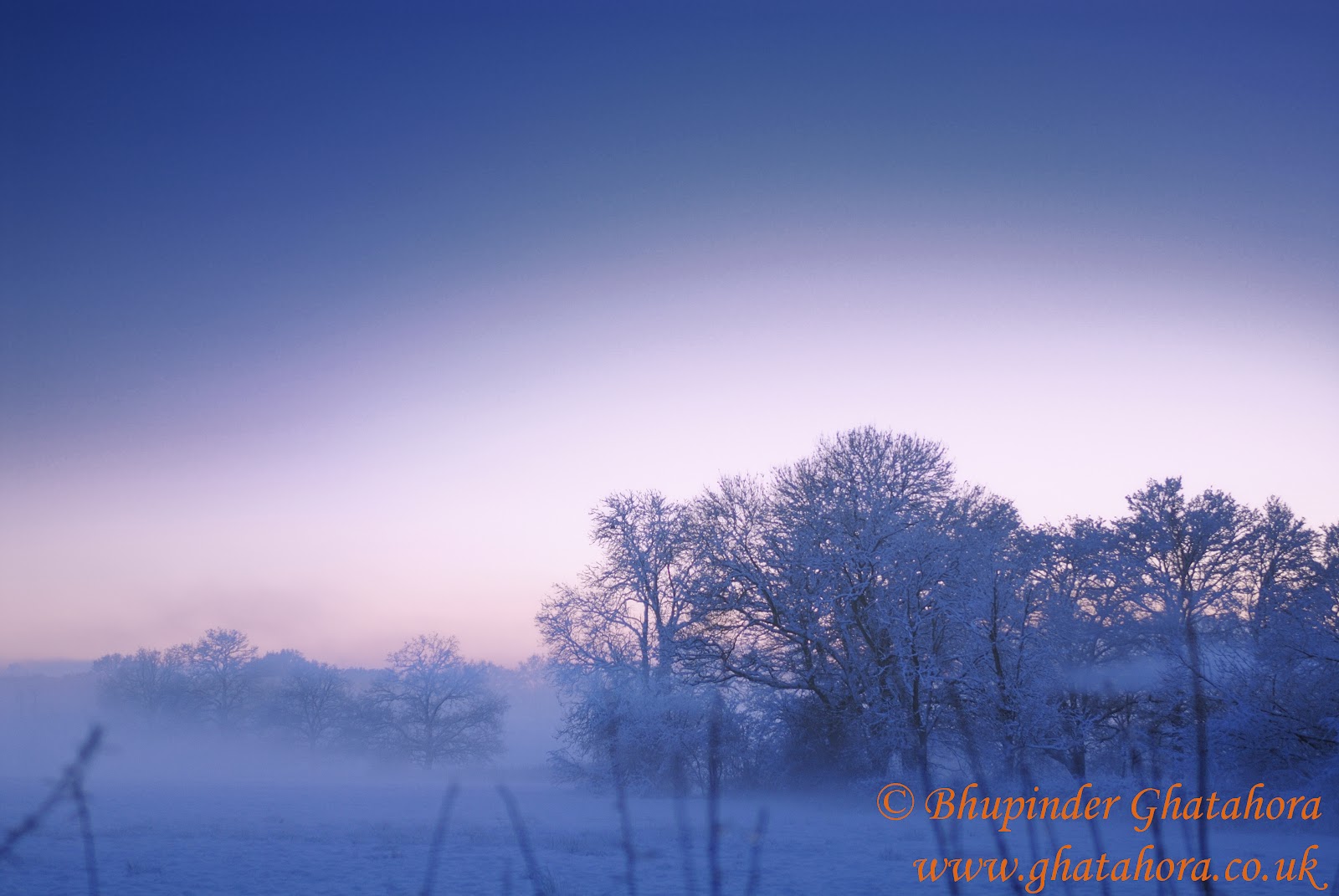
Limited Edition - 01.04.2015

Follow/subscribe to see Limited edition prints - 01.04.2015

Limited Edition Print - Buy for only £40

Unframed 16"x 12" print can also be supplied professionally framed at an addition cost.


'Buy Image'  

Bhupinder Ghatahora
Ghatahora Photography
https://twitter.com/Ghatahora
https://www.facebook.com/GhatahoraPhotography

Landscape Photography


Landscape Photography Part 1

This is a two part article on Landscape Photography.

Good landscape photography is not just achievable by high end cameras such as SLRs, but very good quality photos can also be taken with a standard compact camera. The key point here is that it is not the equipment that makes the photograph, it is the photographer.

Compact cameras often do not have interchangeable lenses like SLRs, but the Landscape mode and zoom facility on most compact cameras will allow you to take landscape photographs.

Most compact camera should enable you to have some control over the aperture, shutter speed, the ISO, exposure compensation (+/-) and  focusing. Some compact cameras will also allow the user to take full control over the focusing using the ‘manual’ mode.

Taking photographs of landscapes is fairly easy if you keep the following few tips in mind. These tips can be applied to both point & shoot compact cameras and SLR’s.


1) Maximize Depth-of-Field

In landscape photography, Depth-of-Field plays an important role: the normal rule is to make sure that the fore and background of the scene is in focus as much as possible, which is often known as maximising the depth-of-field. However, there will be times when you will want to be creative and experiment with ‘shallow’ depth-of-field in your landscape photography. 

Keep in mind that when using smaller apertures (i.e. f11, f22, etc.) less light is hitting the image sensor/film, you may have to compensate by increasing the ISO or adjusting the shutter speed, in some cases you may have to change both.

Some lower specification compact cameras may not have the facility to allow you to change any of the settings; in this case it is best to use the Landscape mode. 

The photograph below is taken using a compact camera set on Landscape mode:


The photograph below is taken using a DSLR set on Aperture mode:


2) Use a Tripod

As you may be using longer shutter speed, a tripod is recommended which will minimise any camera shake

3) Include a Focal Point

All images need to have ‘point’ where the viewer’s attention is drawn into the photograph. Without the focal point, landscape photographs will look empty leaving your viewer’s eye wondering through the image without having the desired impact of the landscape.
Here are some examples of Focal points in landscapes and these can range from a building, structure, a tree, a boulder or rocks, a silhouette, etc. Using the ‘rule of thirds’ can be very useful here.


Place your points of interest on the either one of the green dots. Most cameras have the above grid; use the grid to frame your shot.


4) Include Foregrounds

Most landscapes images work well with a foreground; always think carefully about the foreground of your images and by placing points of interest in them. By including this element you give your viewer a way of looking into the image as well as creating a sense of depth in the photograph.


5) Change your View Point

It is always best to take a little more time with your photography, especially in finding the most interesting view. Look around and find a different spot to shoot from than the one just in front of you: take a walk down paths, look for new angles, this means getting down lower to the ground, finding a higher up vantage point to photograph from. Explore your scene and experiment with different viewpoints and you will find something magical.


6) Look out for Horizons

It’s best that before you take a landscape photograph always look at the horizon on two points:

a)      Is the horizon straight? It is easier to have your horizon straight in the camera viewfinder before pressing the shutter release, saving time to straighten the image later in editing softwares.

      b)     Where to place the horizon? The ‘correct’ natural spot for a horizon is on either the top third line or the bottom line of the ‘rule of thirds’, rather than completely in the middle. In saying this, rules can be broken if you are completely sure that your image with the horizon is very striking.

(See diagram below for where to place the horizon)


I hope this brief insight into Landscape Photography assists you in taking better Landscape photographs.


Tuesday, 31 March 2015

High Street Photography


Taking photographs of the High Street is one of my favourite subjects, simply because its fun and easy to capture the mood.

Here are a few points to keep in mind when taking the photographs:

  1. The right camera settings on both SLRs and Compact Cameras
  2. If allowed, use a tripod. Keep in mind that many places will not allow the use of tripods.
  3. Plan where to take the High Street photographs.
  4. Time - is it a day time shot, or a night shot. 
  5. Think about composition, how to include people in the photograph, leading lines, colour, close-ups etc
  6. Exposure - if taking photographs at night, it's always best to over and under expose the shot by 0.3. (use this as a guide only, adjust according to your image) Every camera will have a '-+' symbol.
  7. Final finished image — before I take any photographs, I always think about how I want the final finished image to look. If it's going to be in colour, sepia, b/w or do I need to add noise/gain in the final image to create the mood and atmosphere.
Settings for Compact Cameras

Day-Time
Use 'Landscape' Mode (it will give you the maximum depth of field)

Night-Time
Use 'Sunset', 'Fireworks', 'Night' Modes (every camera is different, please check your camera manual to see which mode gives a slow shutter speed. Use these as a guidance only)


Set SLR cameras on either Aperture Mode or Shutter Mode.

Here are some photographs of High Street Photography

1. This photograph was taken on fully 'Manual' using a tripod. Using a slow shutter speed has created movement of the people walking around in the frame. Photograph taken in Singapore, Sentosa Island.


2. Image taken on 'Manual' mode - Sentosa Island, Singapore


3. Photograph outside a shopping mall in Bangkok, local people offering flowers and fruits at the temples made outside the malls.


4. Bangkok - people praying outside the shopping mall


5. Lunch time rush hour in Singapore


6. Tall buildings - Singapore


7. Olympic torch relay - Basingstoke 2012 (below image was taken with a compact camera)


8. Newquay, Cornwall High Street - the image below was taken using a compact camera, which was set on 'Night' Mode. The image had a slight camera shake, so I have added extra noise at post production, simply because I was using the camera without a tripod. The colour of the image has also be changed in post production.


9. Take close-ups of structures on the High Street. (close-up photograph of the shadow)


10. Clock tower outside Sainsbury's


Hope this articles assists you in taking better and interesting photographs of the High Street. A High Street could be anywhere!


Bhupinder Ghatahora
Ghatahora Photography
info@ghatahora.co.uk
Facebook

Monday, 30 March 2015

Nightscapes

I will briefly explain the techniques on how to photograph cities, towns, illuminated signs and traffic trails in low light. Night photography is simple, fun and creative, especially at this time of the year as you don’t have to wait long for nightfall.

It is always best to photograph cities, towns and traffic trailing lights when there are still some shades of dark blues, purples, pinks and orange in the sky. The final photograph becomes more interesting with lots of colours rather than a darkened sky in the background. When photographing illuminated signs, it is advisable to shoot them in close-up, therefore the background may not be an issue.

A few points to keep in mind:

Camera settings: Use Aperture Priority mode or Manual mode on cameras. Cameras which do not have the Aperture Priority or Manual mode will often allow selecting different scene settings, such as ‘dusk/dawn’, ‘nightlight’ or ‘sunset’ modes. Please choose which suits you and your camera best.

When using the Aperture Priority mode, set the aperture at f16 (the camera will automatically adjust the shutter speed).

For Manual mode, set the aperture at f11or f16 and the shutter speed at 15 seconds. Use this shutter speed as a guide only, as your exposure time may vary depending on the available light. You may either have to increase or decrease the shutter speed depending on the image produced.

If you are using a SLR, there is normally an exposure indicator visible through the viewfinder which looks like -2||||1||||0||||1||||2+. Adjust the shutter speed whilst looking through the viewfinder and ensure the indicator is on 0, as this will give you the correct exposure.

On compact cameras choose ‘Nightlight’, and the camera will adjust aperture and shutter speed accordingly.

Exposure: due to low light, exposures will be long ranging from 10 seconds to 90 seconds. Use a tripod to avoid camera shake, or alternatively change the ISO on your camera to 800 or higher to minimise camera shake.

Composition: It is advisable to frame your shot before you press the shutter release as it avoids ‘unwanted’ objects in your photograph.

Equipment: camera, tripod, watch or a stopwatch to time exposures.

Bracketing: as we will be using a small aperture (f11/f16), it is advisable to over and under expose your image by ½ a stop. When using bracketing, you will have a selection of images with varying degree of exposure. This will allow you to select the desired exposure by duplicating the settings of your preferred image.

Warm clothing: coat, gloves, hat and umbrella.


I have used my SLR and compact camera to take the following photographs. When I used the SLR, I set the camera on fully manual mode mounted on a tripod. As for my compact camera, I used the ‘night landscape’ mode without using a tripod or flash (the camera needed to be handheld very steadily). 


Examples of photographs taken using a compact camera set on ‘night landscape’:


Examples of photographs taken using a SLR set on manual mode:

The face in this image was created by laser lights:


Outside a restaurant:


Illuminated huts near the waterfront:


Bhupinder Ghatahora
Ghatahora Photography
https://twitter.com/Ghatahora


Friday, 27 March 2015

How to Photograph Smoke?


It is very easy to take photographs of smoke; I have provided the following tips as a guide to create stunning images. For this project, I have used my DSLR with off camera flashes and also a small compact camera with its built-in flash.


Equipment needed:

Compact Camera or SLR with manual focus
Off camera or 'built-in' flash
Incense sticks
Plate to catch all the hot ash from the incense sticks
Black velvet or similar material ( a black card will also work if you don't have any material)
Photography Gels
Black card or paper to block (flag) unwanted the light

Important: Photograph indoor in a well-ventilated room (not to breezy) to avoid smoke build-up. When working with smoke, you must take regular breaks as the smoke will begin to accumulate in the room which can be a health hazard.


Setting up the shoot

I have used a DSLR for the following shots. Pin the black backdrop on the wall or alternatively as I did, rest it on the sofa.


The off camera flash is loosely wrapped at the head with black paper. This avoids the light to fall back on the backdrop and also this keeps it directed on the smoke.

The incense stick is placed between the camera and the backdrop. I hand held my camera for better flexibility, but if you wish to use a tripod, by all means do so. As I will be using a fast shutter speed, I can get away without using a tripod.


Camera settings (fully Manual on SLR):

Set your camera on Manual mode.
Set shutter at 1/125 or 1/250, this is a common setting that will sync with your flash.
Set aperture on f8 or smaller like f16 or f22. This will maximise the depth-of-field.
Set ISO on 100 or 200
Use Manual focus as the auto-focus function may struggle to latch onto the smoke.

(Tip to assist focusing. Place an object behind the incense stick and make sure it is touching it, manually focus on the object, then remove it when it is in focus).

Light the incense stick and place the flash fairly close to the smoke.

Once the above setup is complete, take the photographs. Adjust the flash accordingly to see where it provides the best results.
Tip: Do not look through the viewfinder because you will not see the full length of the smoke patterns. Follow the smoke with your camera and try to capture the interesting shapes.
If you don't have manual settings on the camera, set the camera on Shutter Mode 'Tv' and increase the ISO to 320 or 400, this will give you an aperture nearer to f8.
The following three photographs were taken by manual focusing on smoke. The camera was set on Manual mode, aperture f10 and shutter speed 1/125.


Try to see when the smoke makes unusual shapes and take the photograph.


When too much smoke is accumulated it can create an atmospheric effect or may look messy (see below):


The following two photographs have been taken on 'Shutter' mode. I set the shutter speed to 1/125 and the camera selected the Aperture.


Photographing smoke is really fun, try being creative with your images.

The following photographs have been taken using two off camera flashes; one was fitted with a light green coloured gel. The camera is set on manual mode just as before


Red gel is used on the below image:


 Blue gel is used on the below image:


None of the above photographs have been altered or adjusted in any editing software; they are straight from the camera.


Using a Compact camera:

If you are using a compact camera with a built-in flash, follow the above setup and select the ‘Landscape’ mode on the camera.

Tip: It is important to cover the built-in flash with a piece of tracing paper so that the light is diffused, this will avoid 'hot spots' on the backdrop.

Click on the link to see more smoke images.


Bhupinder Ghatahora
Ghatahora Photography
https://twitter.com/Ghatahora


Wednesday, 25 March 2015

Understanding your camera modes


Understanding your camera modes


In this article I will briefly explain the common camera modes associated with ‘Point & Shoot’ cameras and DSLRs. You may be aware that compact cameras have various pre-set modes (often known as ‘scenes’) and you may have wondered what these modes are use for.
The three most common modes which are often available on most advanced cameras are, Programme (fully automatic), Manual and Semi-Automatic modes (Shutter and Aperture control). Recent digital compact camera include these modes and several other scene selection modes, which are specifically designed for the subject being photographed, such as fireworks, beach, snow, parties, nightlife, etc.
The function of these modes is to create accurate and correctly exposed images. These modes are useful shortcuts for the novice photographer who may lack the full understanding on how to use Manual and Semi-Automatic modes. When a ‘scene’ mode is selected, the camera adjusts the aperture, shutter speed and ISO to calculate the right exposure. Selecting ‘scene’ mode often limits the user from making adjustments to the flash, white balance, ISO and other criteria as the camera adjusts these according to the subject.
When the correct ‘scene’ mode is selected to fit the subject being photographed, the results are often to acceptable standards, giving a balanced photograph.

Advanced photographers often use the Manual or Semi-Automatic modes because they provide better control on the final image. The photographer would envisage the image he or she would like to be created, and then adjust the camera settings accordingly.

Below is a brief summary of some of the common camera modes and examples of images taken using these modes.
(All the following photographs have been taken using a DSLR, but the same theroy can be applied to any 'Point & Shoot' cameras.)
The flower symbol stands for Close-up or Macro which means taking photographs of subjects really close. Use this mode to photograph close-ups of flowers, jewellery, insects, dew drops, abstract patterns, etc. In this mode the built-in flash may be disabled to prevent an overexposed image, as your camera is really close to the subject.


The person & star symbol stands for Night Portrait or Night Photography. This mode uses a combination of flash and long exposure to pick the ambient (available) light in the background. Use this mode to take pictures of persons in low-light conditions. The use of a tripod is often recommended.


The face symbol stands for Portrait mode. The camera selects the widest aperture setting
to minimise depth-of-field in order to blur the background. Always remember to focus on your subject’s eyes for sharper portraits. In this setting, the flash will automatically activate the ‘red-eye’ reduction setting.


The mountain & cloud symbol stands for Landscape mode. Using this mode your camera will select the smallest aperture to maximise depth-of-field. Your image will be sharp both in the foreground and in the background. As the name suggests, use this mode to take landscape photographs.


The running person symbol stands for Sports mode, which is all about speed. Your camera will automatically choose the fastest shutter speed to capture the fast moving subject. In some cameras, the camera will enable continuous high-speed shooting; which means it will take photographs one after another continually. Use this mode to capture fast moving subjects or any kind of sport.


The 'A' symbol stands for Aperture mode (semi-automatic). In this mode you select your desired aperture and the camera will set the shutter speed to match the aperture settings. For example, if you change your aperture from f5.6 to f11, the camera will adjust the shutter speed automatically keeping the exposure the same. Use this mode to have more control on the depth-of -field.


The 'TV' or 'S' symbol stands for Shutter mode (semi-automatic). In this mode you select the shutter speed, and the camera will set the aperture accordingly. For example, if you change the shutter speed from 1/30 (slow) to 1/250 (fast) of a second, the aperture will change automatically. This will leave the exposure the same as the camera is matching your shutter settings. The shutter mode is used to capture movement or create a blur. I use shutter mode to photograph movement in water, trailing traffic lights or to freeze the action.


The 'M' symbol stands for Manual mode (fully manual). In this mode you have full control of your camera. You decide what aperture and shutter speed to use in order take a correctly exposed image. In this mode you can also override any of the camera settings, i.e. flash, ISO, exposure compensation and white balance. Choose this mode if you are fully confident about how the aperture and shutter work together to produce a correctly exposed image. I use this mode mostly for landscape, close-up portraits, snow and night photography, and even just experimenting with different exposures.


I hope this brief insight into camera mode assists you in taking better photographs.